
Metro Ticket refunds
All Metro ticket refunds will be processed in line with the Nexus Ticket Terms and Conditions, with the aim to treat all refund claims with fairness.
To request a refund complete this online form and select ‘Claim a Refund‘ or call 0191 202 0747 (lines are open Monday-Friday, 9.00am-5.00pm).
All ticket refund requests will considered on their own merit.
Ticket machine refunds
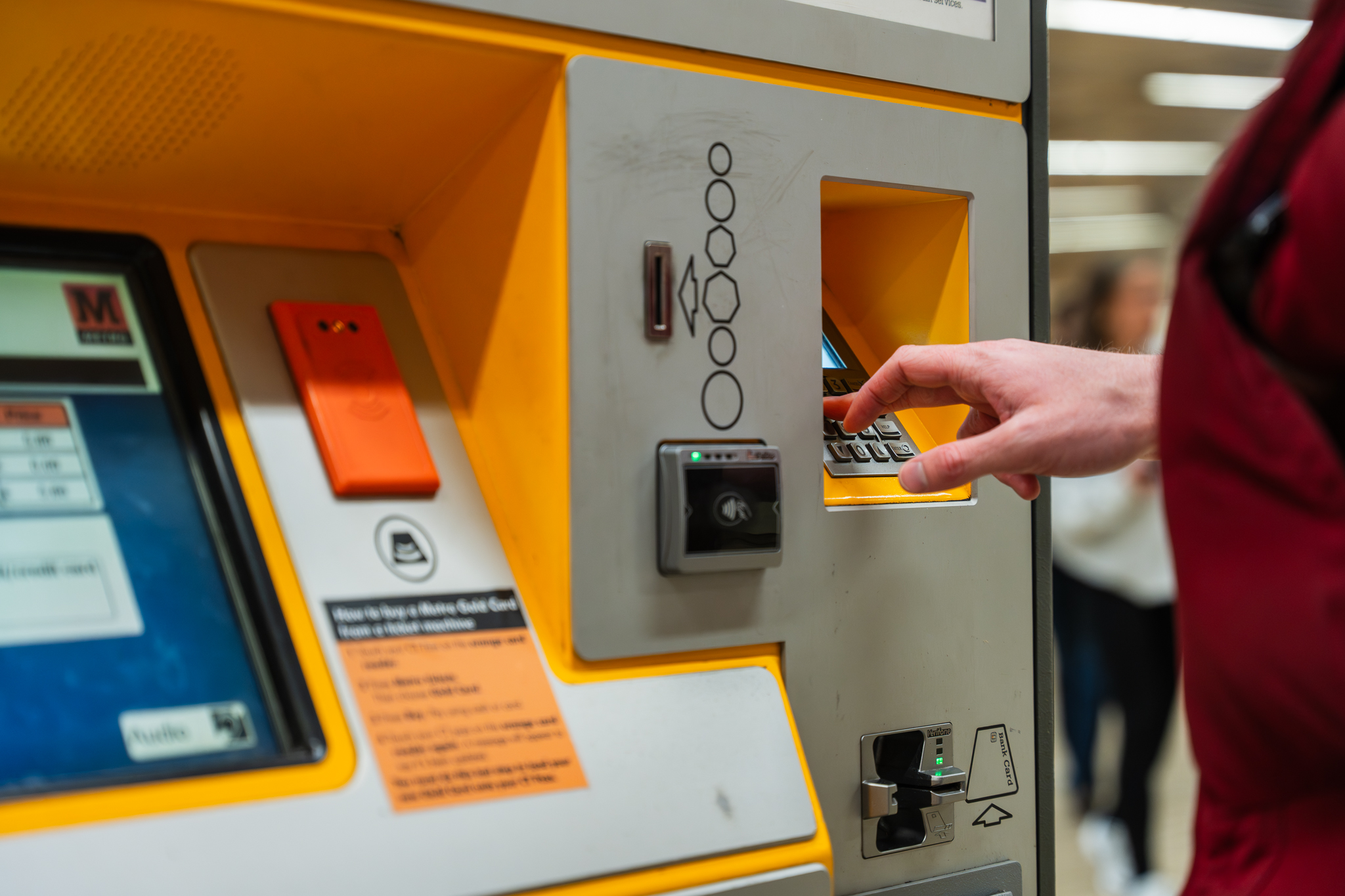
If you have an issue with a Metro ticket machine and need to claim a refund, please complete this online form and select ‘Claim a Refund‘ or call 0191 202 0747 (lines are open Monday-Friday, 9.00am-5.00pm).
Refunds due to delays – ‘Delay and Repay’
If you’re delayed by more than 15 minutes than advertised, you can claim a refund. For a delay of more than 15 minutes – or if you wait on a platform for more than 15 minutes longer than advertised – you will receive the ticket price of the single Metro journey that was delayed.* If you buy a ticket for a specific day and can’t use it due to train cancellations or service disruption you will be refunded the price you paid for the ticket.
* Excluding Gold Card holders, Magpie Mover holders, Wear on Our Way holders and when it is advertised that your journey will take longer e.g. when using the Metro replacement bus service during planned modernisation work.
How to claim a refund for a delayed journey
Claims must be submitted within 28 days from the incident date. You will need to provide a copy of your ticket or Pop card with your claim.
To claim a refund, simply complete this form and select ‘Claim a Refund‘.
The above does not affect your statutory rights including any rights you may have under the Consumer Rights Act 2015.
Pop cards – close your journey
If you don’t tap in or out, your journey will be incomplete and you may be liable for a penalty fare – so remember to tap in and out.
If your card is registered and you haven’t closed your journey, you can login to your Pop account and request to close your journey. Please note you can only do this once per calendar month.
Google Pay – Close your journey
If you forget to touch in at the beginning of your journey or out at the end, you may be charged a maximum fare.
You can ask to amend your journey data to reflect the journey travelled, simply complete this online form: Close your journey for Google Pay form.
You can only ask to amend your journey data once each calendar month, so please remember to tap in and out.


